Wallet & Transfer Guide
This guide explains how to work with wallets and coins on the network: how to get your wallet address, check your balance, send coins, and track transactions. Before you can perform any wallet operations, you need to access your account. Follow the instructions below based on your role in the network.
Are you a Host?
You contribute computational resources and receive coins as rewards. Before proceeding, you need access to your wallet, which is automatically created when the chain-node container runs for the first time.
Are you a Developer?
You build and deploy AI applications using the network’s distributed power. You’ll need to create an account and CLI tools for scripting and automation. Go here to set up the CLI and access your account.
Once you have access to your account, return to this guide to learn how to:
Denominations
On-chain, the only valid denomination is ngonka. All balances, fees, and transactions must use ngonka exclusively.
The Cosmos SDK may allow defining additional denominations, but these are non-operative — the SDK does not perform automatic conversions between them.
gonka is used purely as an off-chain, human-friendly display unit. It represents 1 billion ngonka, and does not exist on the chain itself.
Effective Units
| Unit | Purpose | On-chain? | Ratio |
|---|---|---|---|
ngonka |
Base unit used on the network | Yes | 1 |
gonka |
Human-readable display unit | No | 1 gonka = 1,000,000,000 ngonka |
Get Your Wallet Address
Before you can check balances or send funds, you need to know your wallet address.
inferenced keys list [--keyring-backend test]
This command lists all the wallet keys (accounts) you’ve created locally, along with their addresses and public keys. Example output:
- address: gonka1f85frkfw89cgpva0vgpyuldjgu6uhyd82hmjzr
  name: genesis
  pubkey: '{"@type":"/cosmos.crypto.secp256k1.PubKey","key":"A+Qpbyhtsdl5N/6O6S/qJ9uvtbI7OFFsO5dcNrpEU0nv"}'
  type: local
Query Balance
To check your balance, ensure you have sufficient funds before transferring, or to verify a successful transfer, use the following command:
inferenced query bank balances <address> [--node <node_rpc_url>]
This shows how many coins are in your wallet.
Example:
inferenced query bank balances gonka1ddswmmmn38esxegjf6qw36mt4aqyw6etvysy5x --node http://node2.gonka.ai:8000/chain-rpc
Send Coins
In Cosmos, a fund transfer means sending coins from one account (wallet address) to another within a Cosmos-based blockchain. These transfers are used to pay for services or simply send value between users.
You can perform transfers using the Cosmos SDK command-line tool — specifically, the inferenced CLI. Each transfer is recorded on the blockchain and needs a valid sender, recipient, amount, and coin denomination.
Once you know your balance and have the recipient’s address, you can send coins.
inferenced tx bank send <sender-key-name> <recipient-address> <coins> --chain-id gonka-mainnet [--node <node_rpc_url> | --keyring-backend test]
Example:
inferenced tx bank send genesis gonka1a3jpdl4epdts64gns3a3fy9hjv2n9e3v7kxx0e 100ngonka --chain-id gonka-mainnet
To make a transfer on the Gonka chain between Gonka accounts using the Keplr wallet, log in and open to your Keplr wallet.
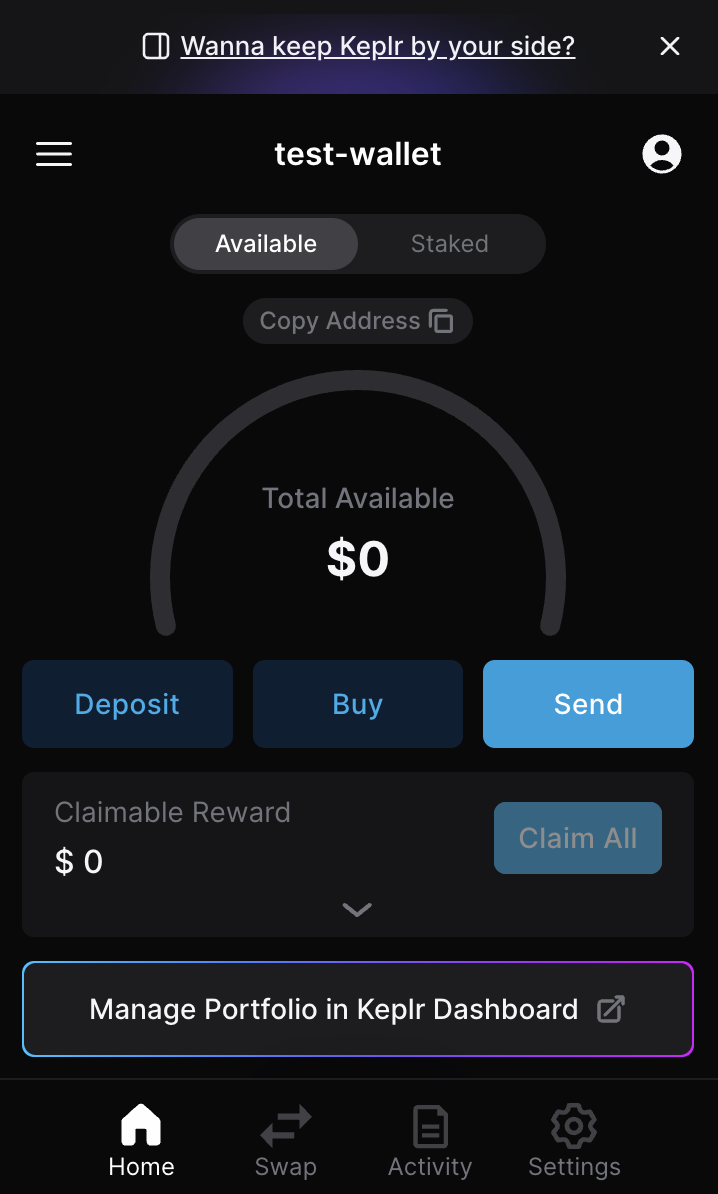
Search for the Gonka chain on the home screen.
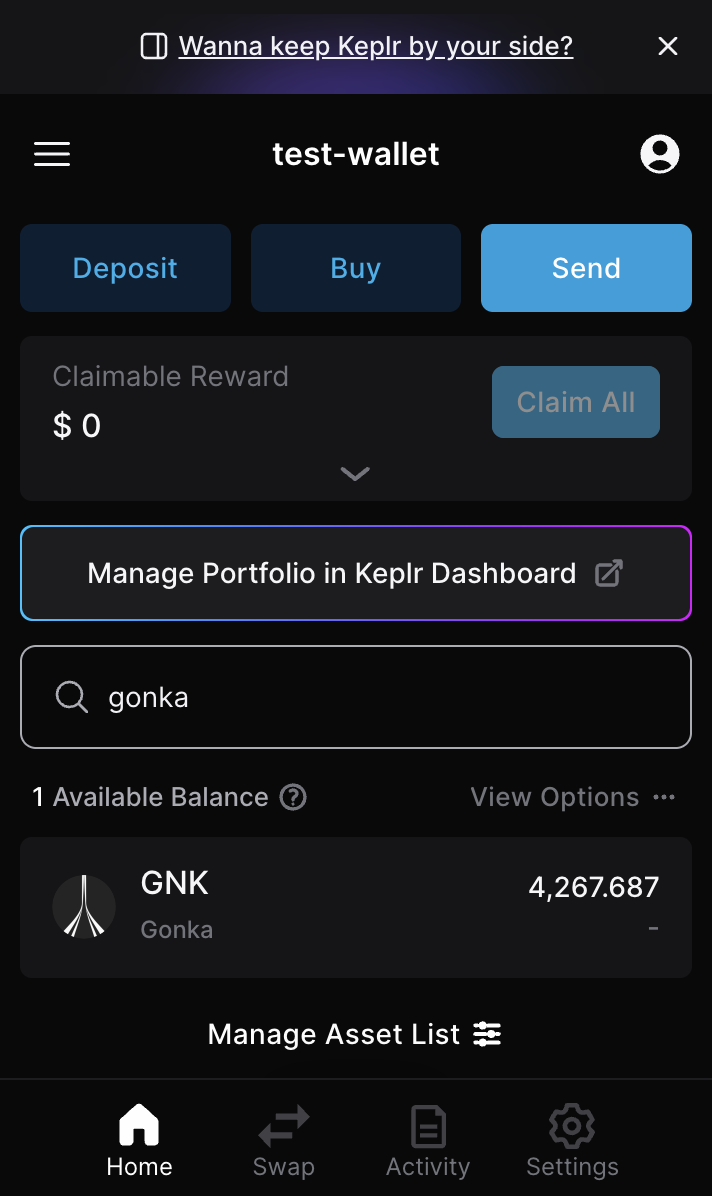
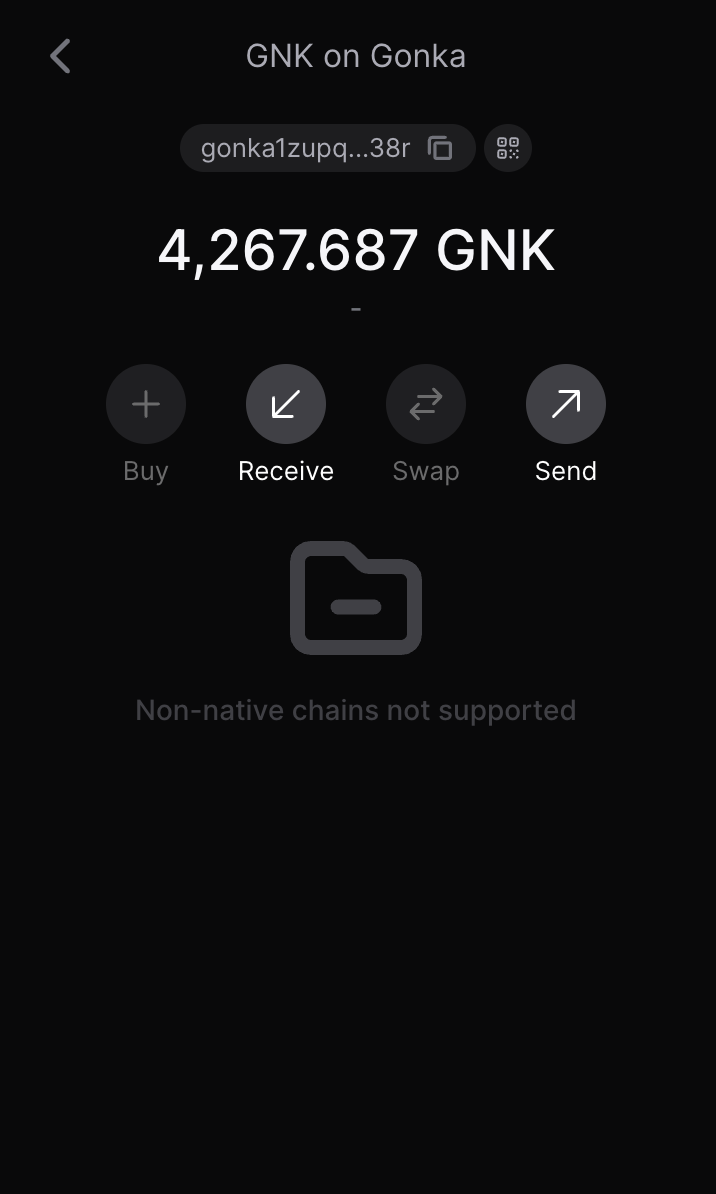
Click “Send”.
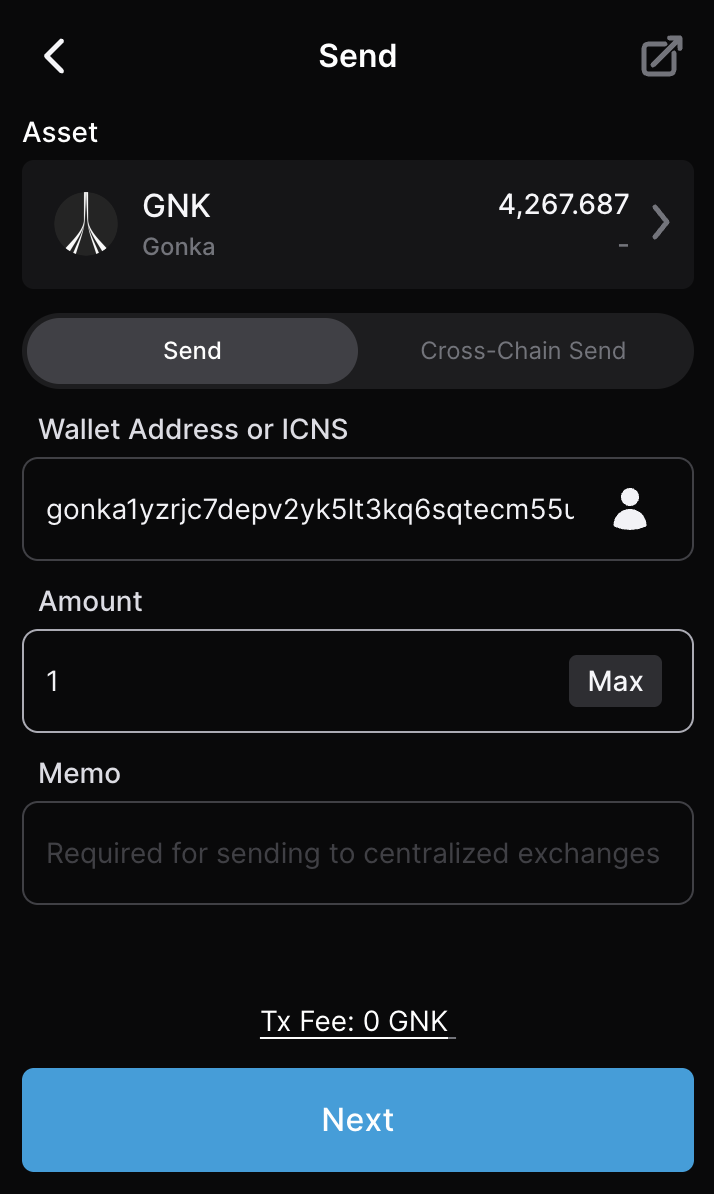
Paste the receiver’s Gonka wallet address into the address field. Specify the amount you intend to send.
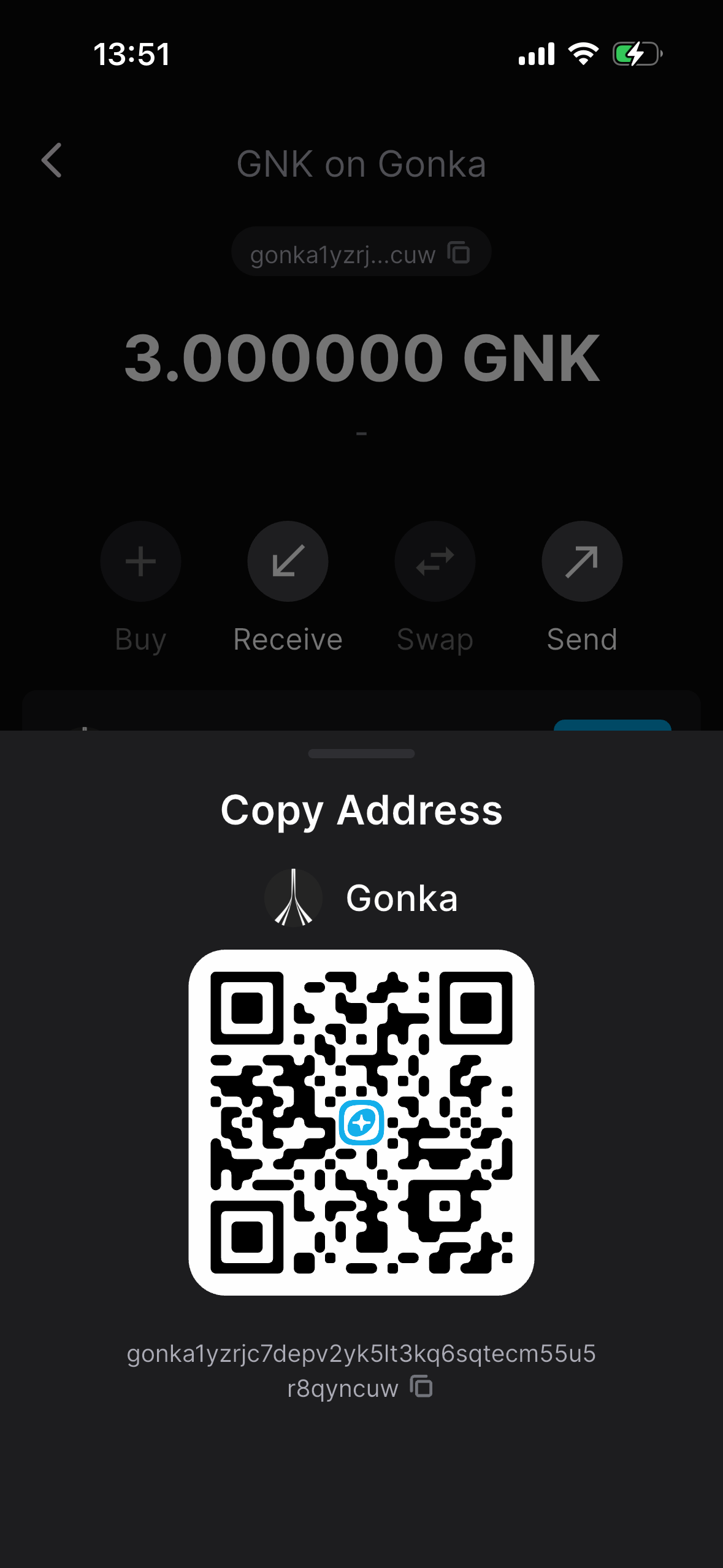
The receiver should open their Keplr wallet where their Gonka account is added. They click on "Copy address" above their balance.
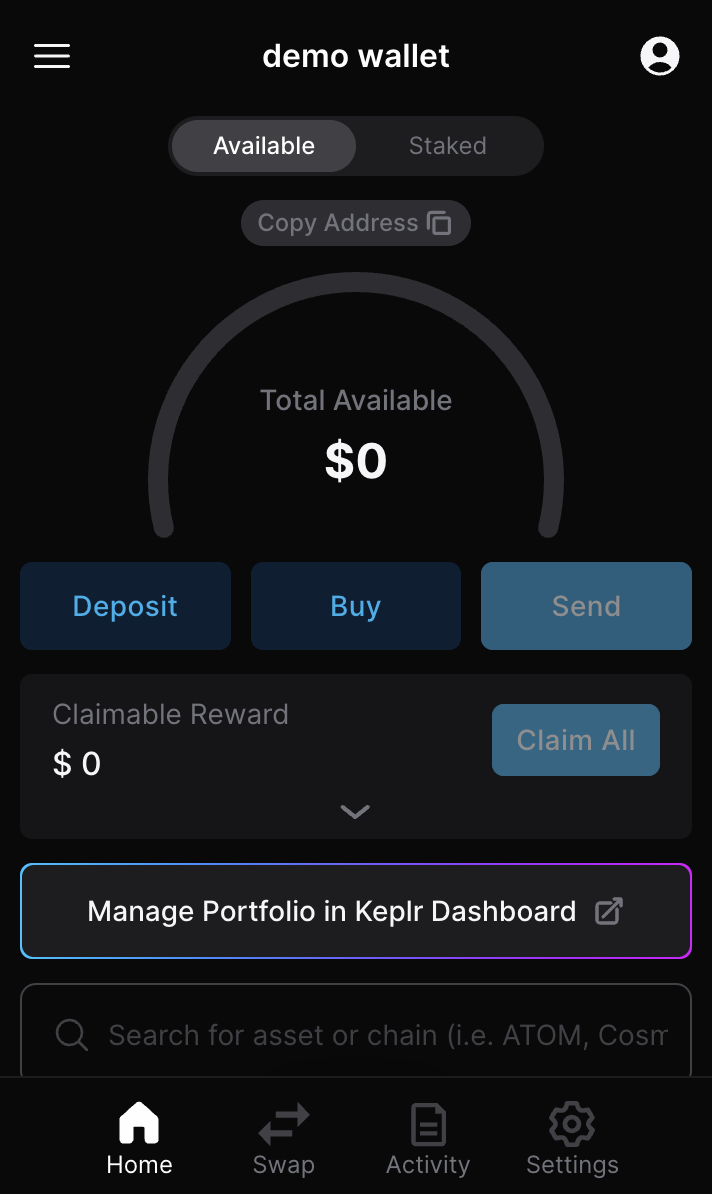
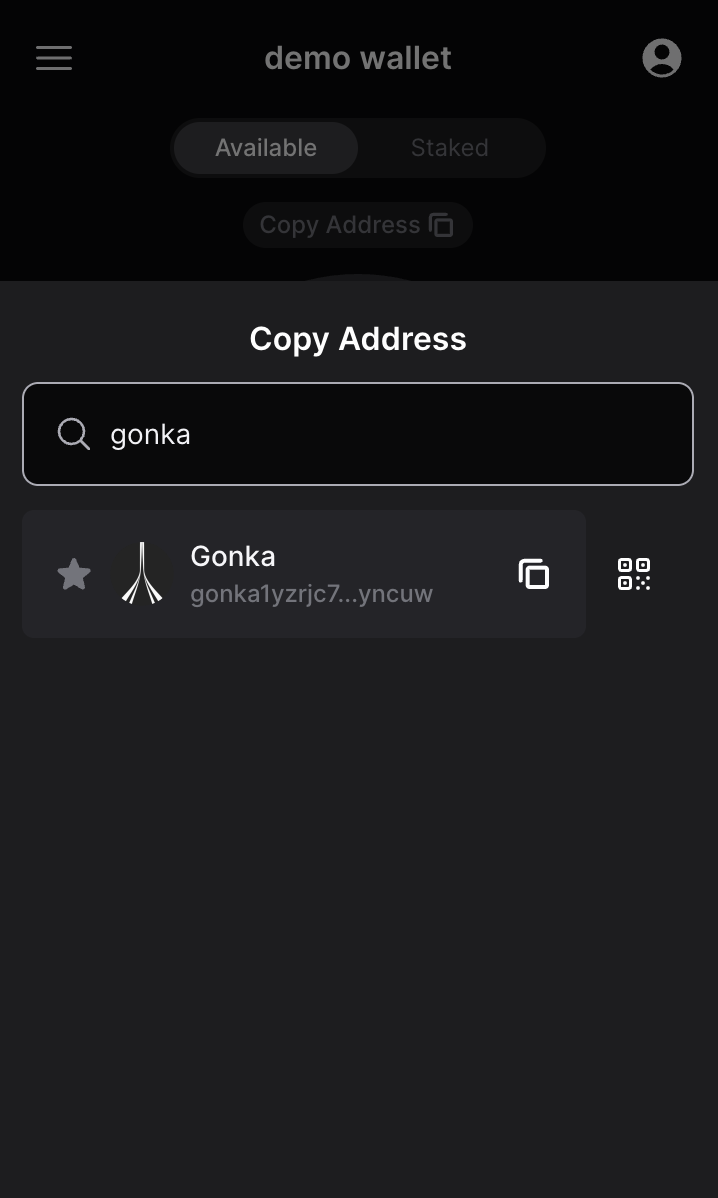
They search for the Gonka chain.
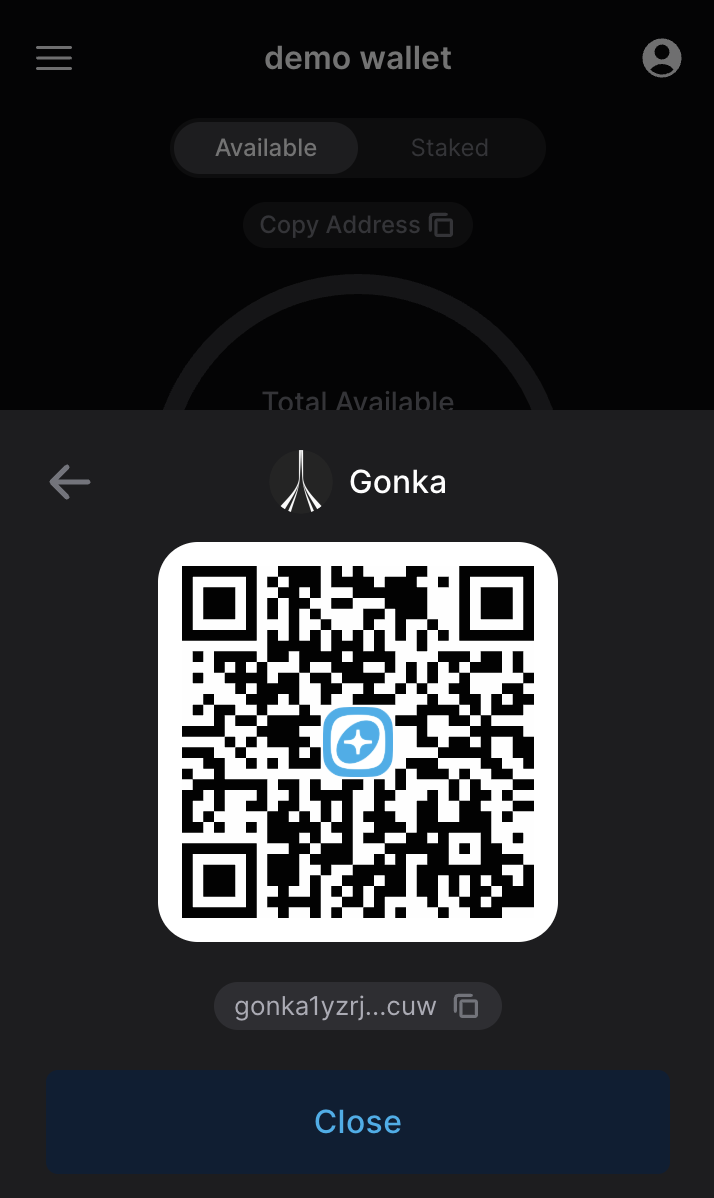
They copy and send you their address.
Paste the receiver’s Gonka wallet address into the address field. Specify the amount you intend to send.
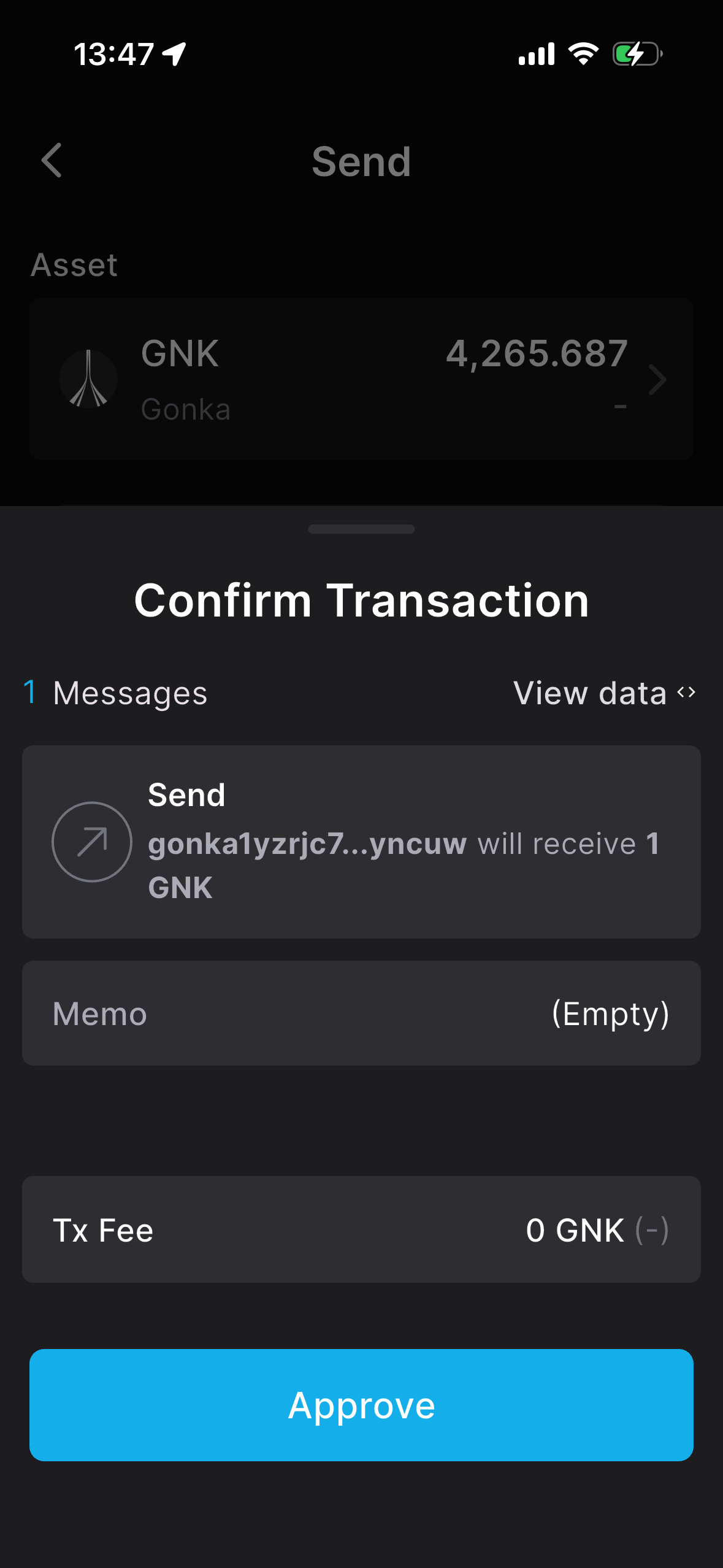
Approve the transaction.
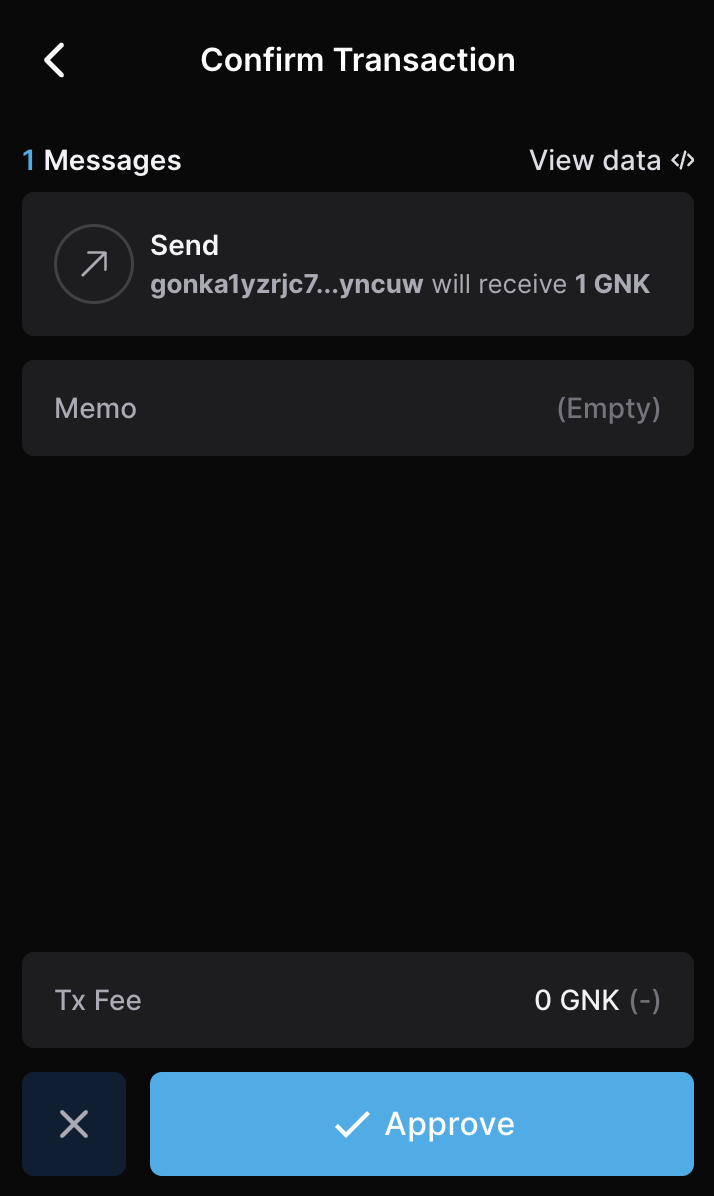
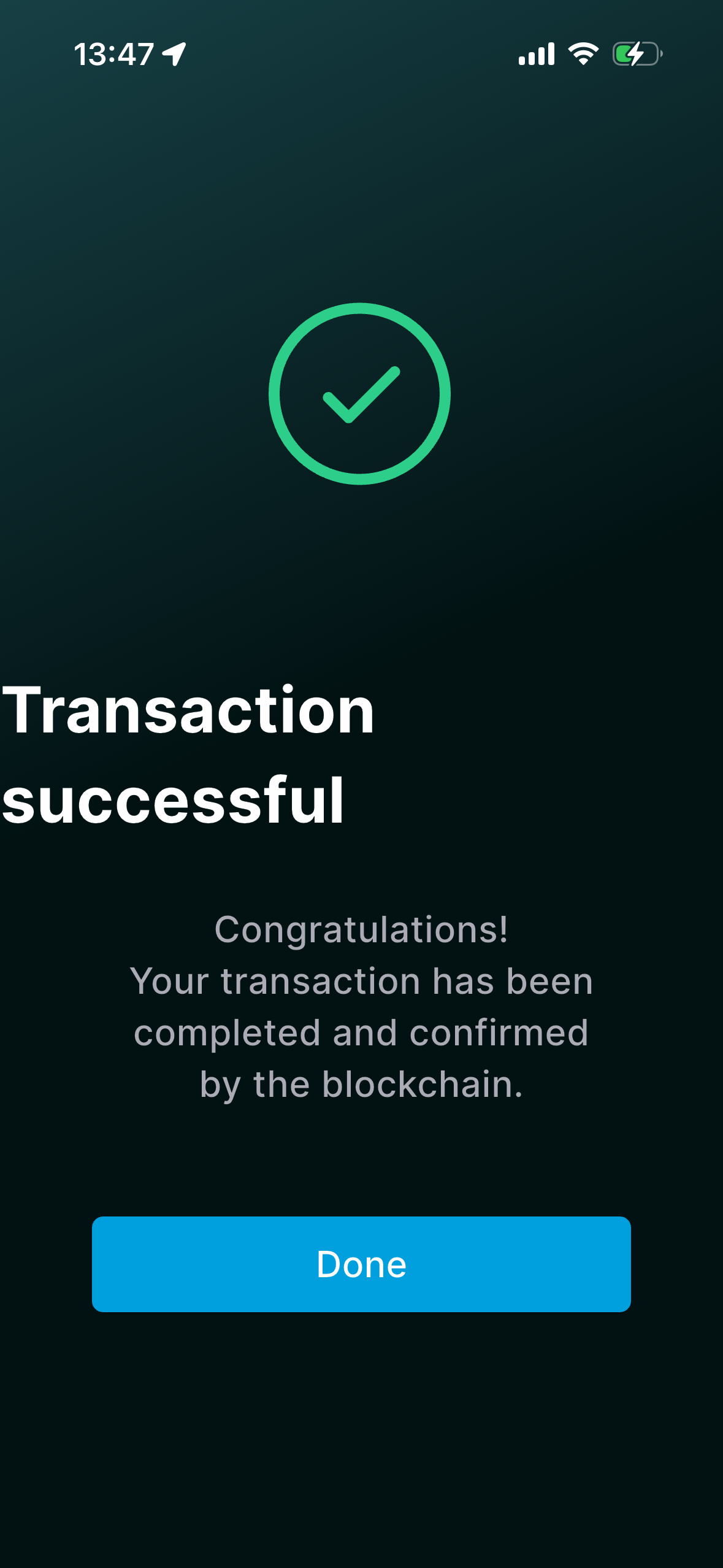
Wait for the Transaction successful notification. You will not see the transaction in the Activity tab because Gonka is a non native chain.
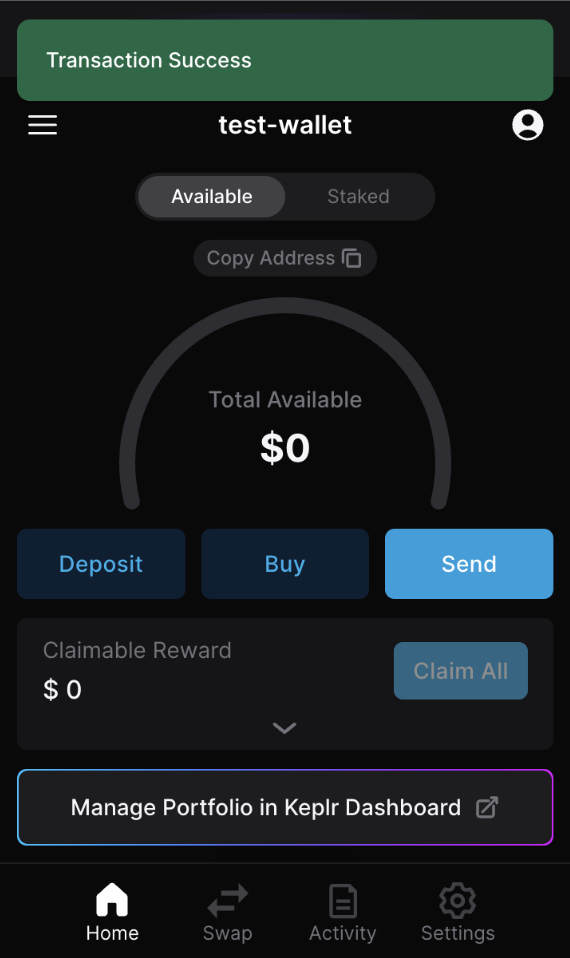
To make a transfer on the Gonka chain between Gonka accounts using the Keplr wallet, log in and open to your Keplr wallet.
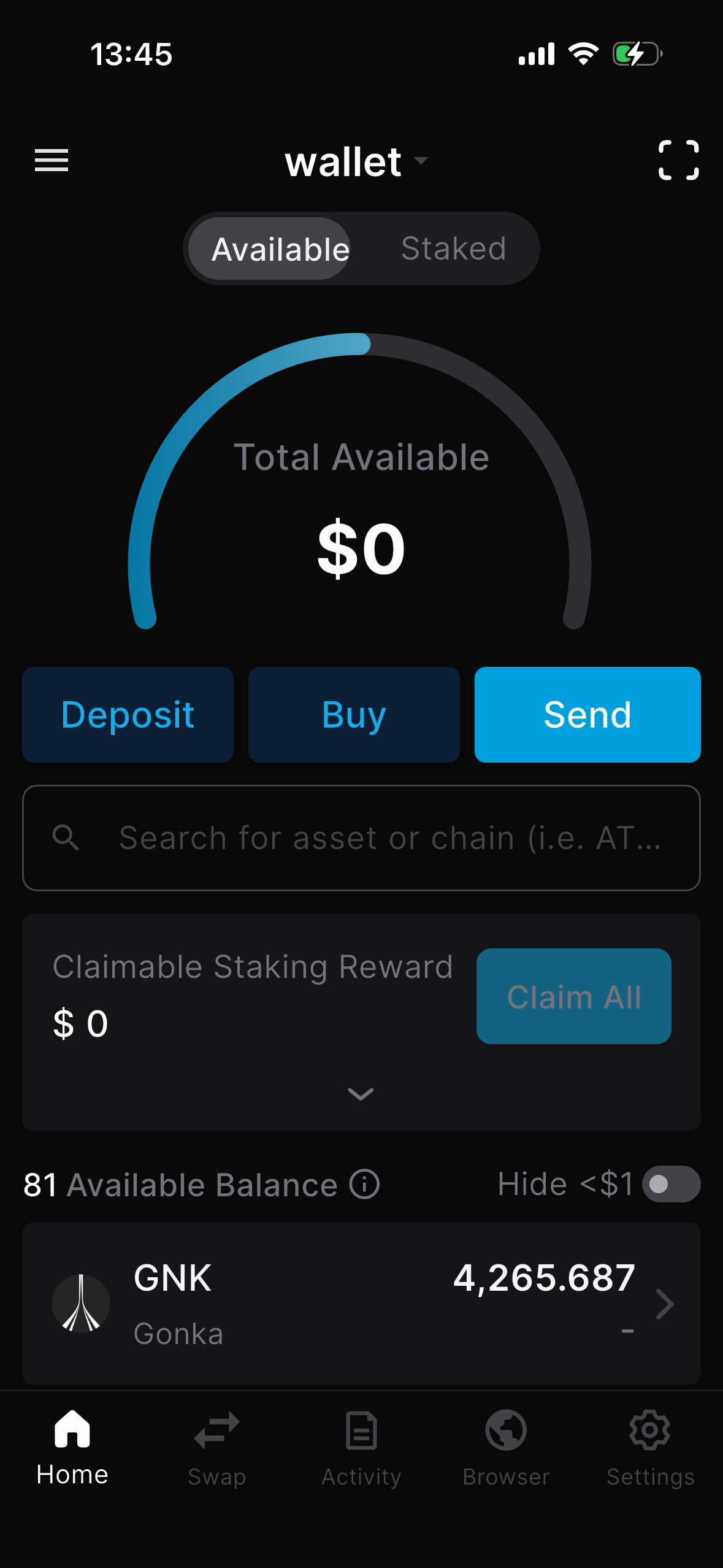
Search for the Gonka chain on the home screen.
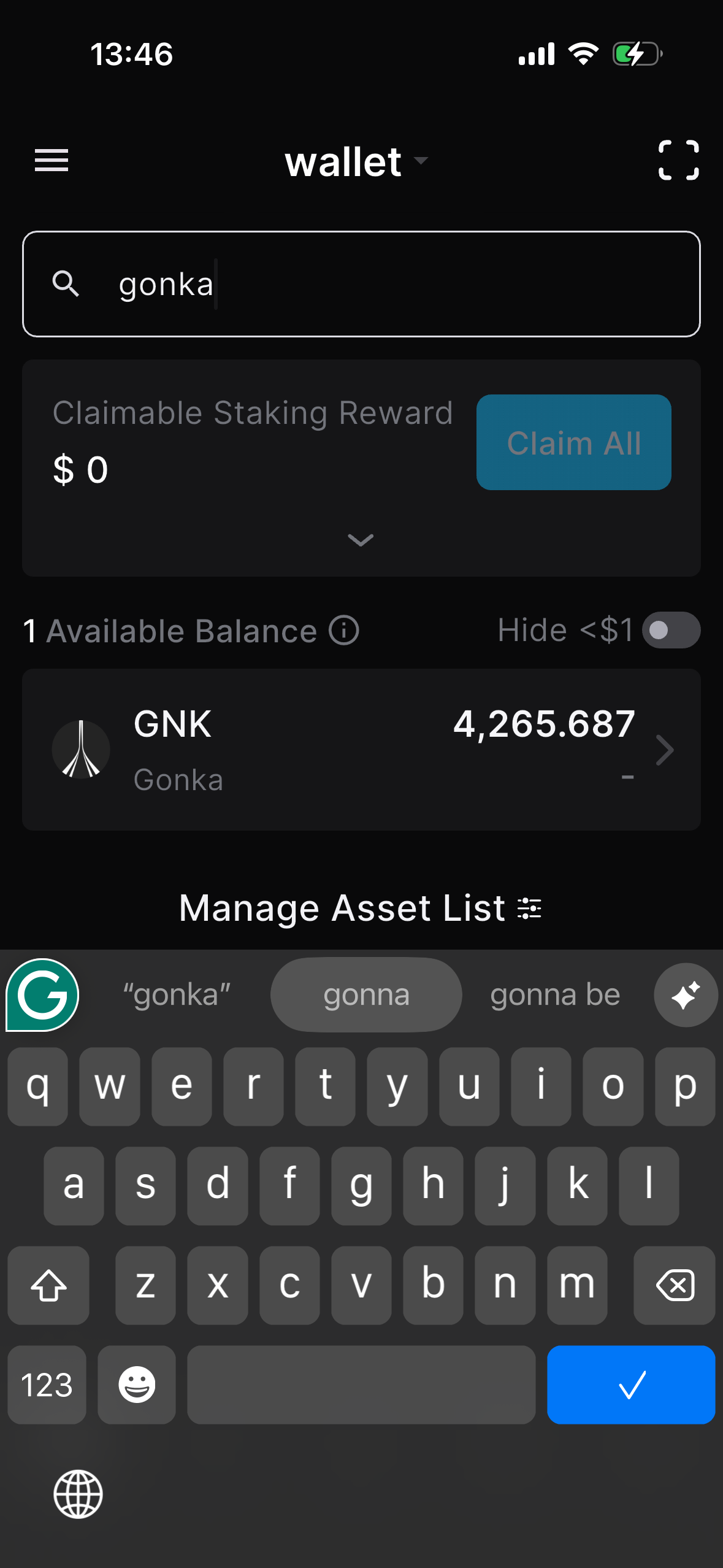
Click “Send”.
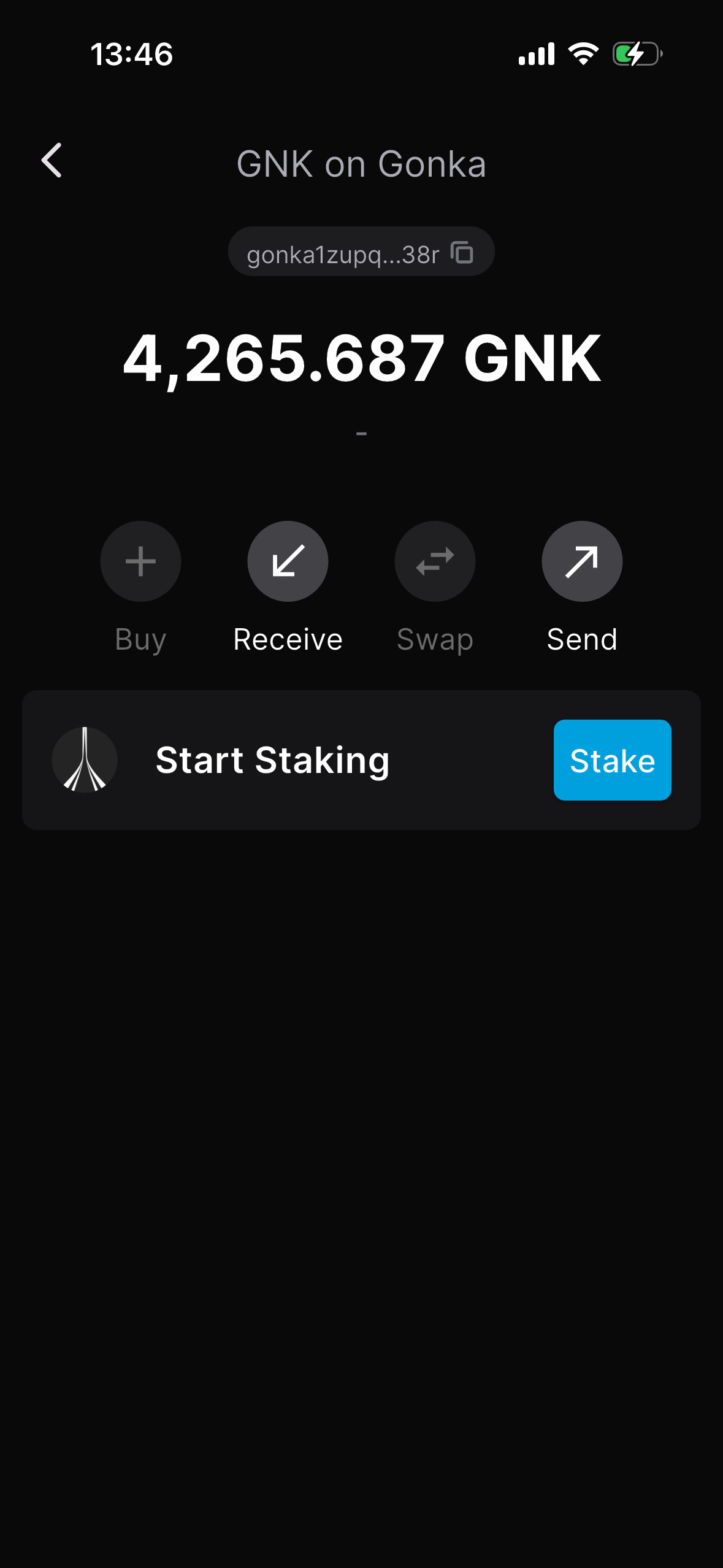
Paste the receiver’s Gonka wallet address into the address field. Specify the amount you intend to send.
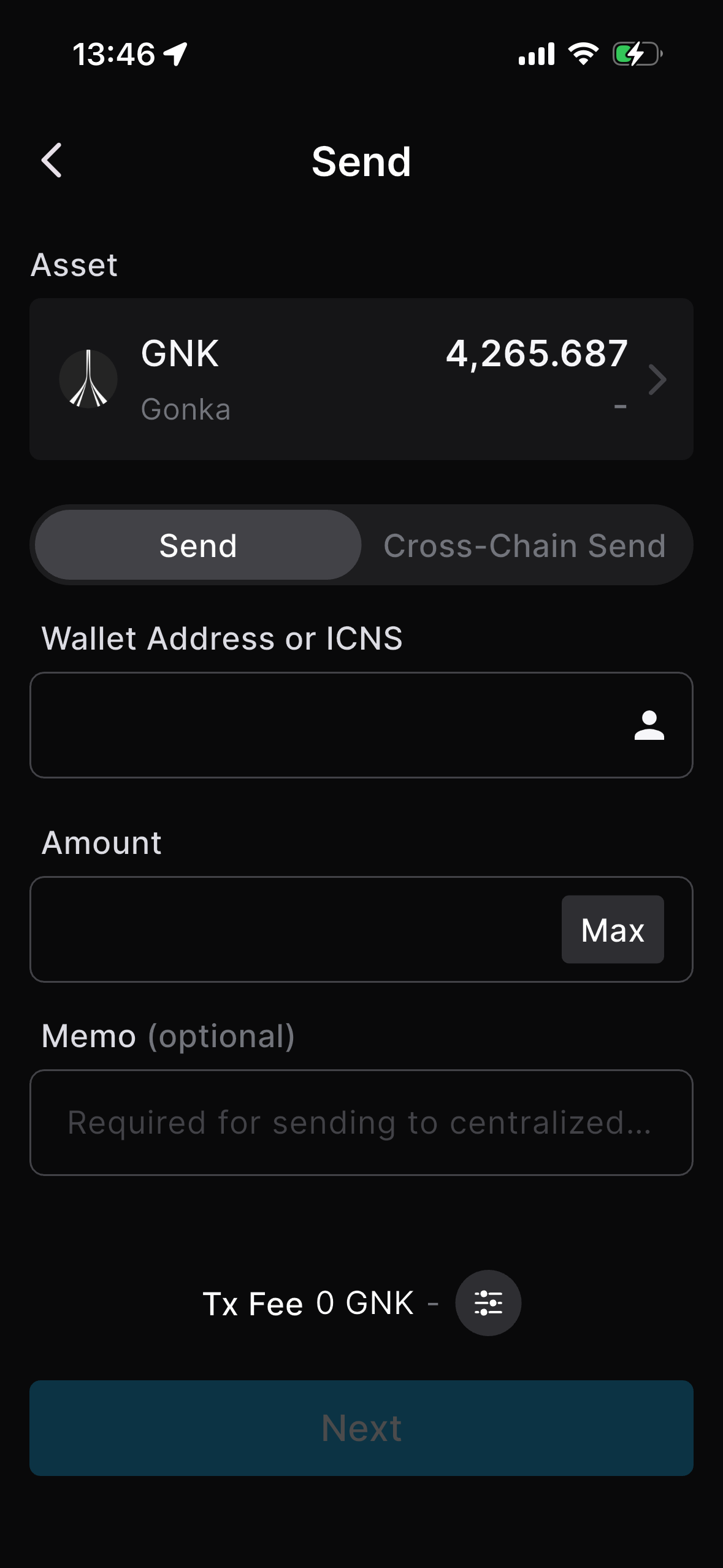
The receiver should open their Keplr wallet where their Gonka account is added.
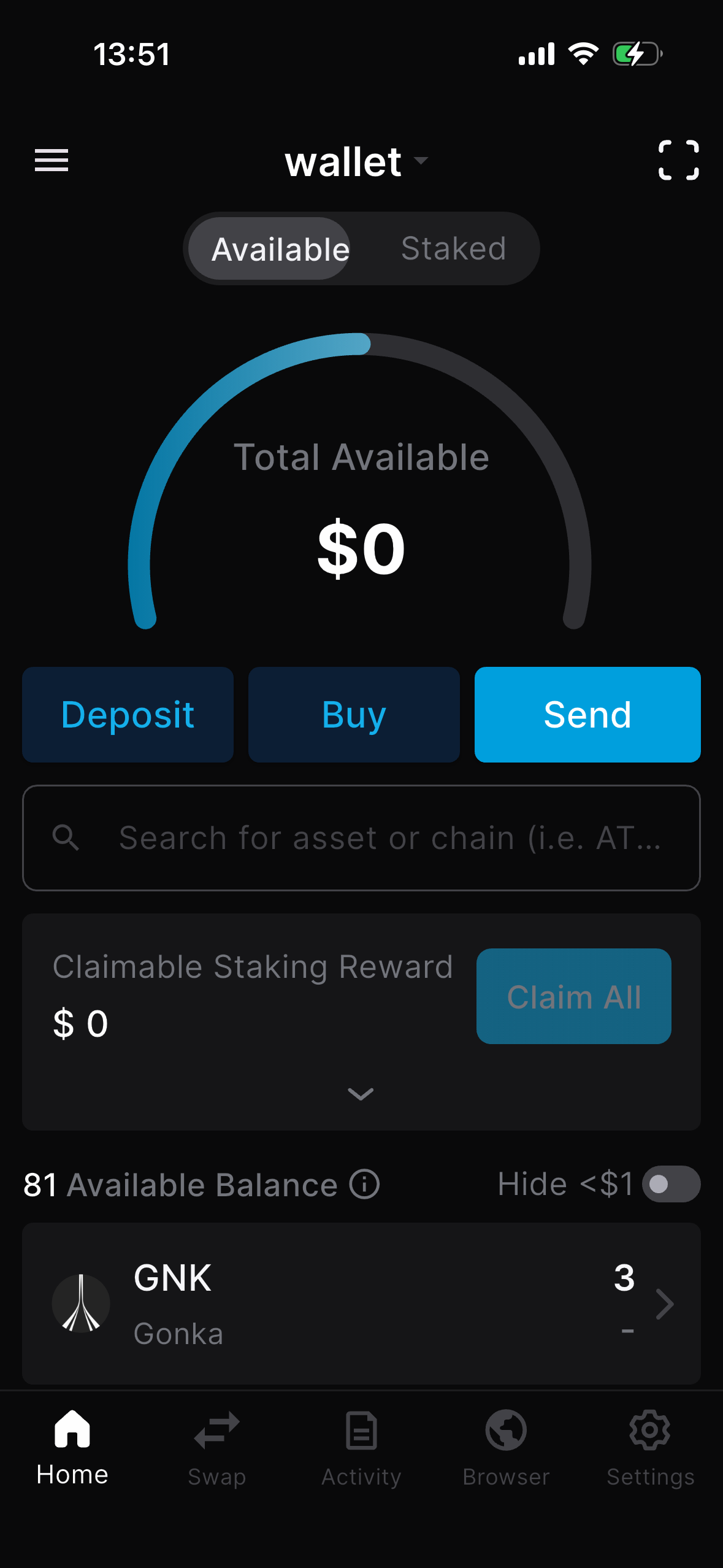
They search for the Gonka chain and click.
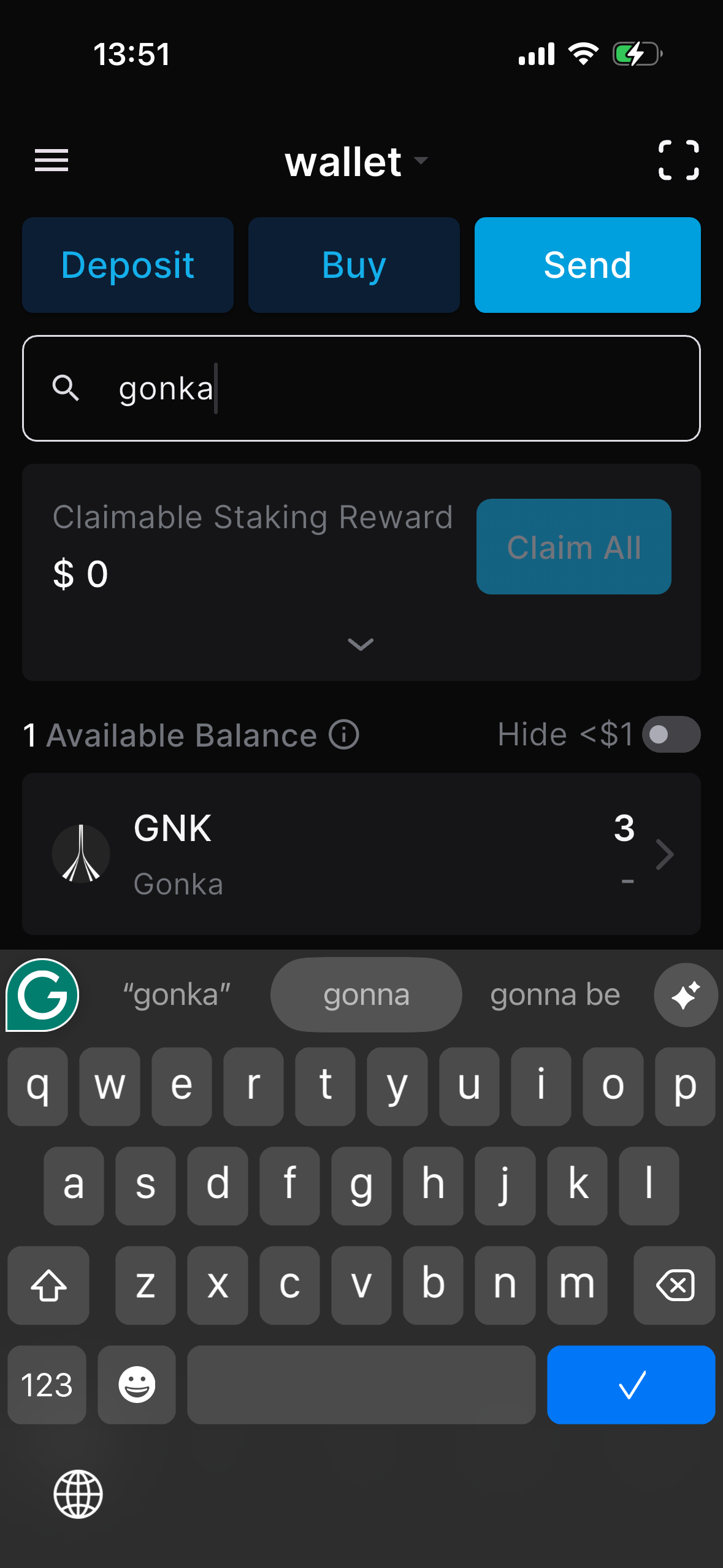
They copy their address above their balance or click "Receive" and copy their address in the next step below.
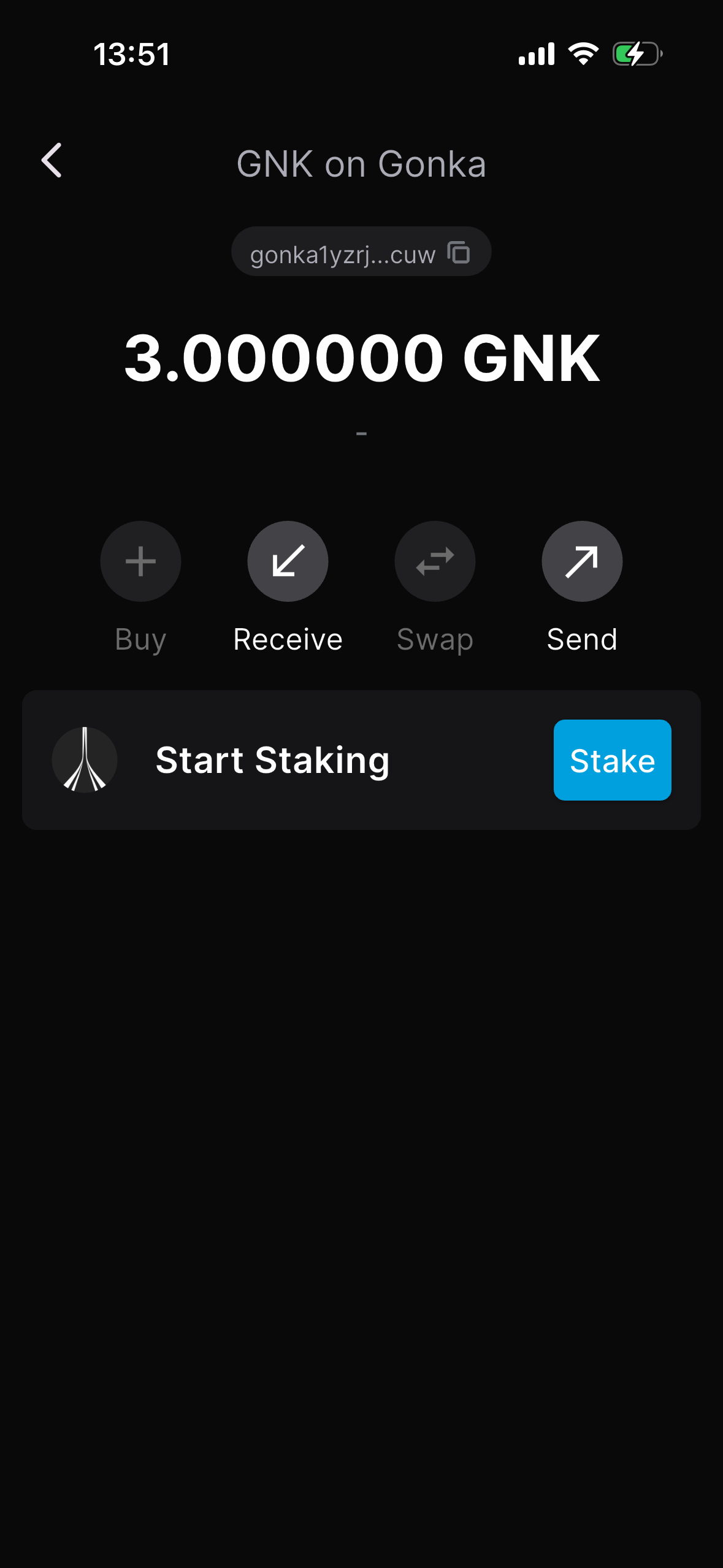
They copy and send you their address.
Paste the receiver’s Gonka wallet address into the address field. Specify the amount you intend to send.
Approve the transaction.
Wait for the screen confirming that the transaction was successful. You will not see the transaction in the Activity tab because Gonka is a non native chain.
Check Transaction Status
After sending a transaction, you may want to verify whether it was successfully processed and included in a block. Each transaction is assigned a unique hash (TXHASH) which you can use to look up its status on the blockchain.
To check the status of a transaction, use the following command:
inferenced query tx <TXHASH> --chain-id gonka-mainnet [--node <node_rpc_url>]
- Replace
<TXHASH>with the actual transaction hash you received from the transfer command. - You can optionally specify a node and chain ID if needed.
Example:
inferenced query tx 9712D97F127A1908C4DC4A1F4409AE380DC3BF0D662FA8D7E394422989CFFE2F --chain-id gonka-mainnet
code: 0— indicates success- A block
height— the block in which the transaction was included - A
timestamp— the time the block was committed - Details about the transaction message (e.g.,
sender,receiver,amount,module,gasused)
Sample response (truncated for clarity):
1 2 3 4 5 6 7 8 9 10 11 12 13 14 | |
raw_log or info fields for error messages.